I choose Cavalry as a tool for me to develop in the beginning. It’s an application for motion graphic and data visualization. The most important characteristic of Cavalry is the parametric control system.
After that, in the first part — iteration 1, I selected a motion graphic design to replicate. During the process, I learned lots of tools and functions, one of them evoked my interest — the image sampler.
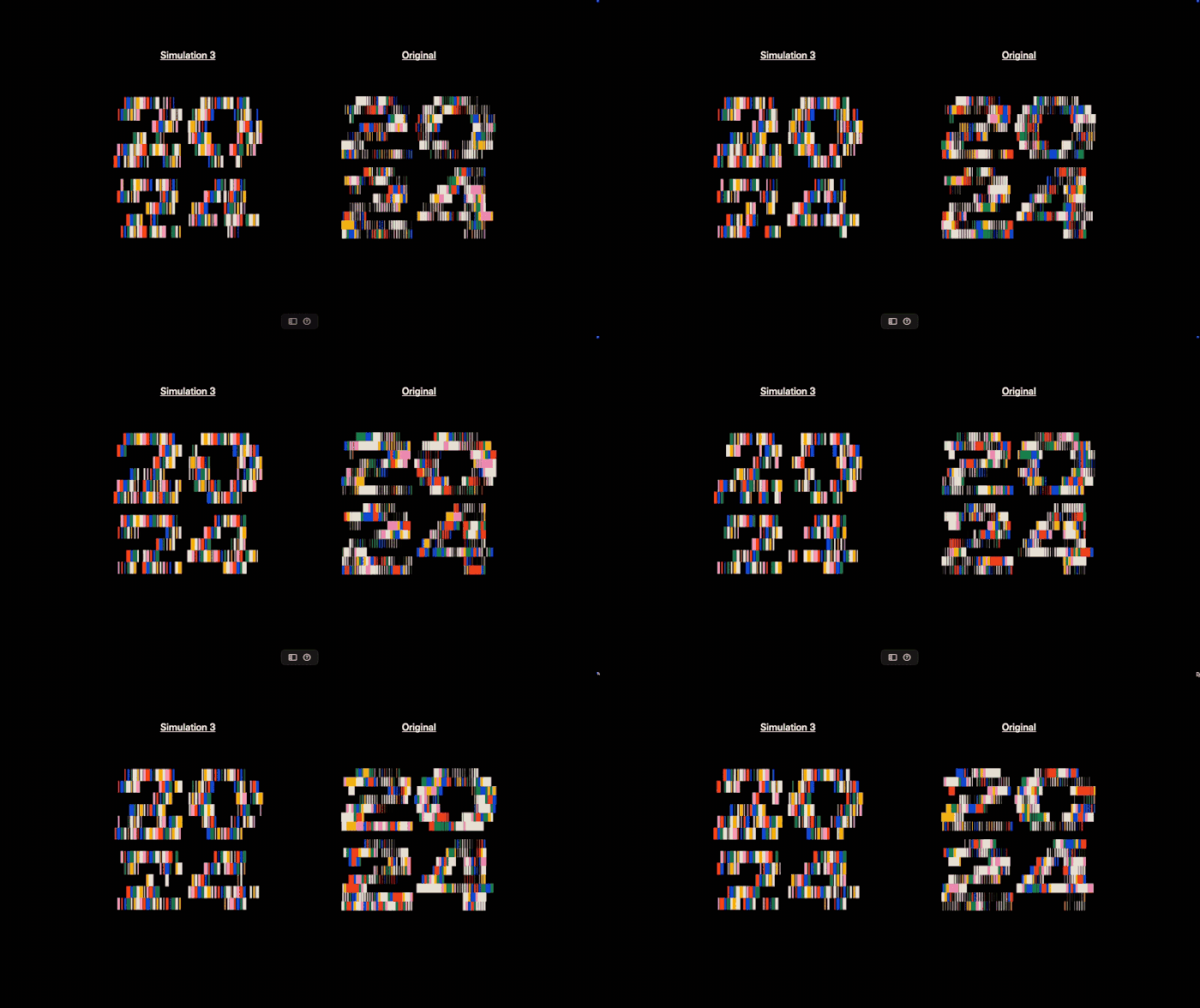
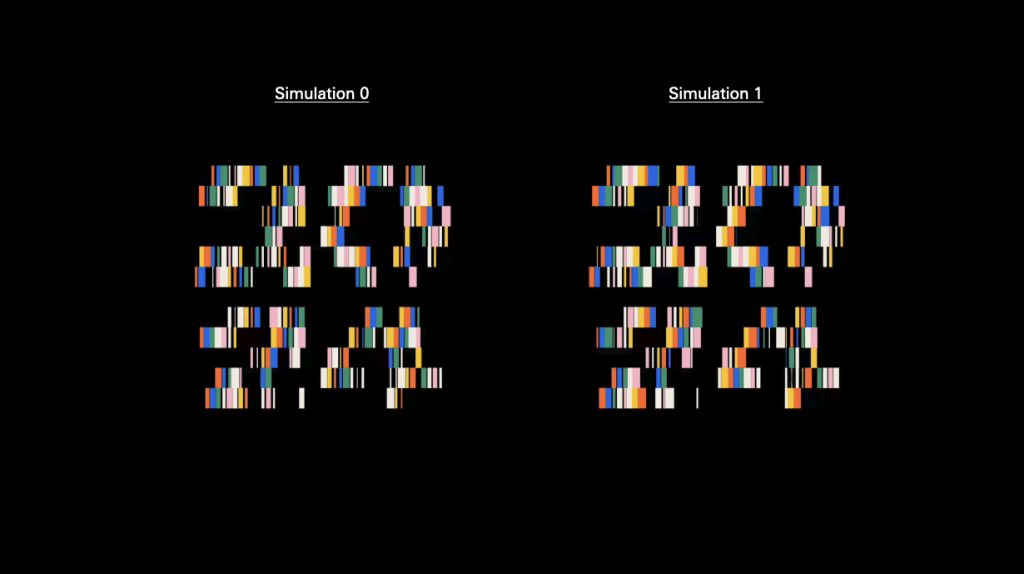
Image sampler is not merely an image-based visual effect. Instead, it functions as a converter that transforms images into numerical values readable by other parameters. The core output of the Image Sampler is not an image, but a data field. This data field is a numerical distribution composed of pixels. For example, brightness / RGB / grayscale.
In the example below, the data is translated into shapes (squares), where areas with higher brightness appear, and areas with lower brightness do not.
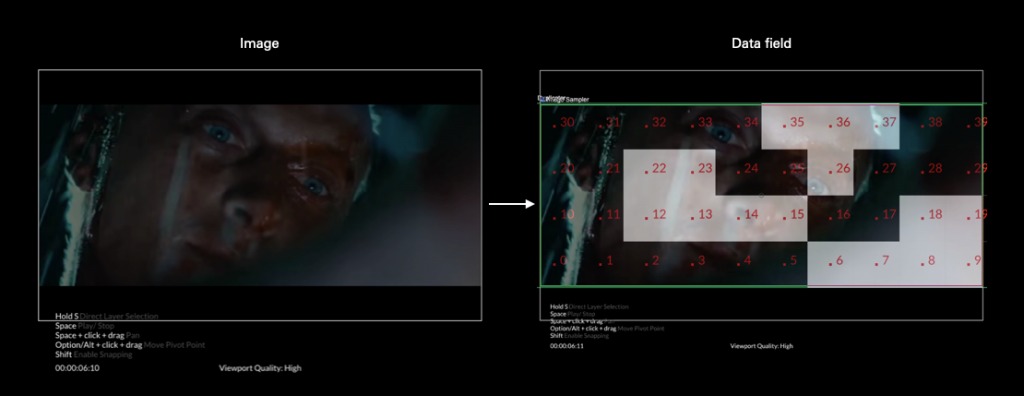
Treating the Data Field as the Starting Plane
In conventional typography, the starting point is assumed to be a neutral blank page. However, a surface generated by the Image Sampler already contains conditions. This surface functions like an invisible landscape. The conditions only become visible when text is placed onto it.
This process led me to the following critical question:
1. Is the so-called “neutral blank page” actually a set of naturalized and hidden conditions?
2. When these conditions become visible and operable, does the act of design itself change?
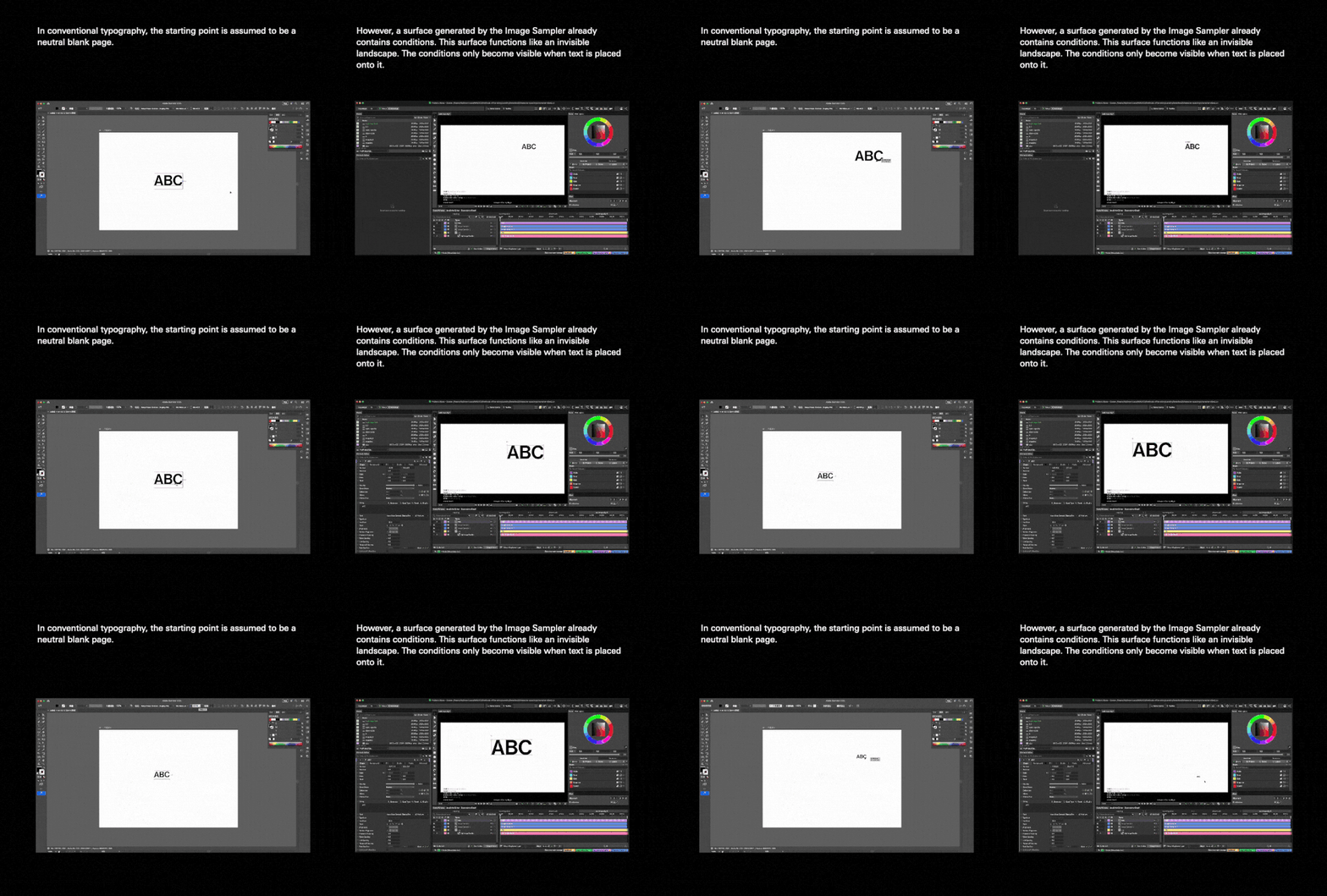
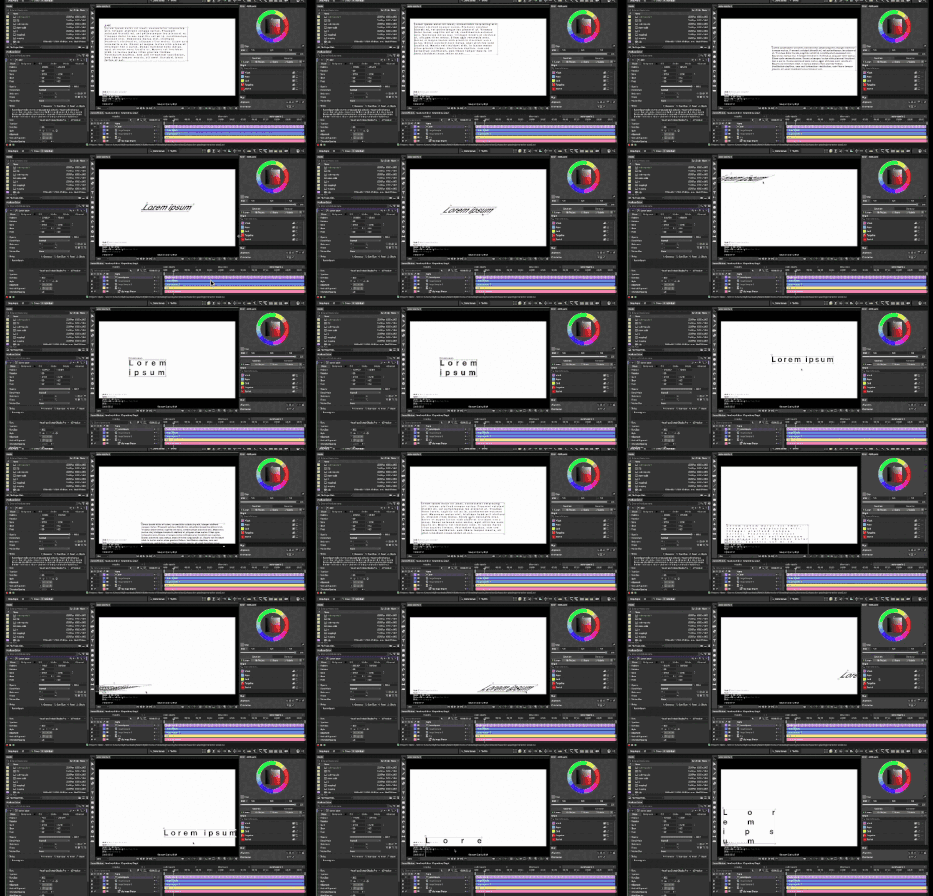
How to hack?
I reposition Cavalry from a tool for generating visual or motion effects into a system for setting and testing typographic conditions. In this context, the image no longer functions as content, but as a source of conditions.
The hack will be understood in three layers:
1.Expected output
Cavalry default: motion / effect / generative visuals
Hack: use it to create and test “initial conditions for typesetting” and “layout behavior”
2.Tool role
Default: Image → Visual Elements
Hack: Image → Data field → Typesetting conditions (condition translator)
3.Design process
Default: design the form first and then add the effect
Hack: Set conditions and relationships first, and the form is generated and read as a consequence.
Leave a Reply