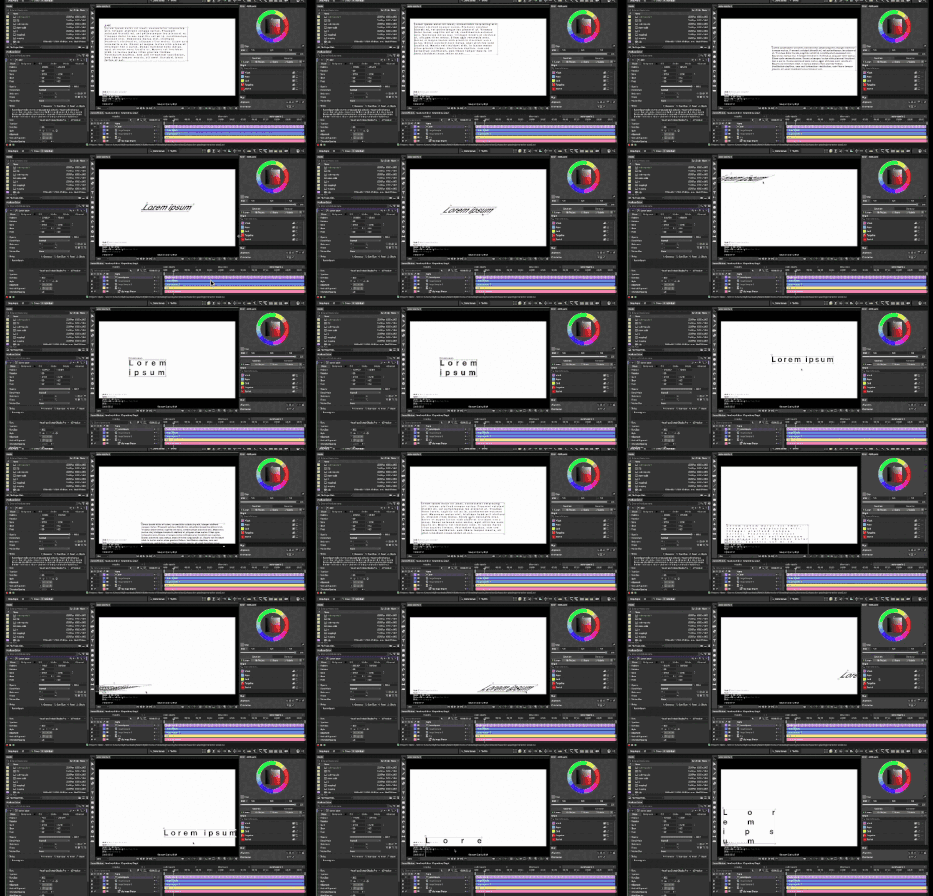
How to use these methods to generate a design?
To answer this question, I start with a critical aspect: When reading is completely given to conditions and data, How will the text gradually lose its established reading system? Therefore, I tried to develop a rigorous process.
Step 1 — Decide how the text should be read
(not how it should look)
Step 2 — Set rules instead of fixing the layout
(what can appear, disappear, or fail)
Step 3 — Let conditions produce the result
(no correction after)
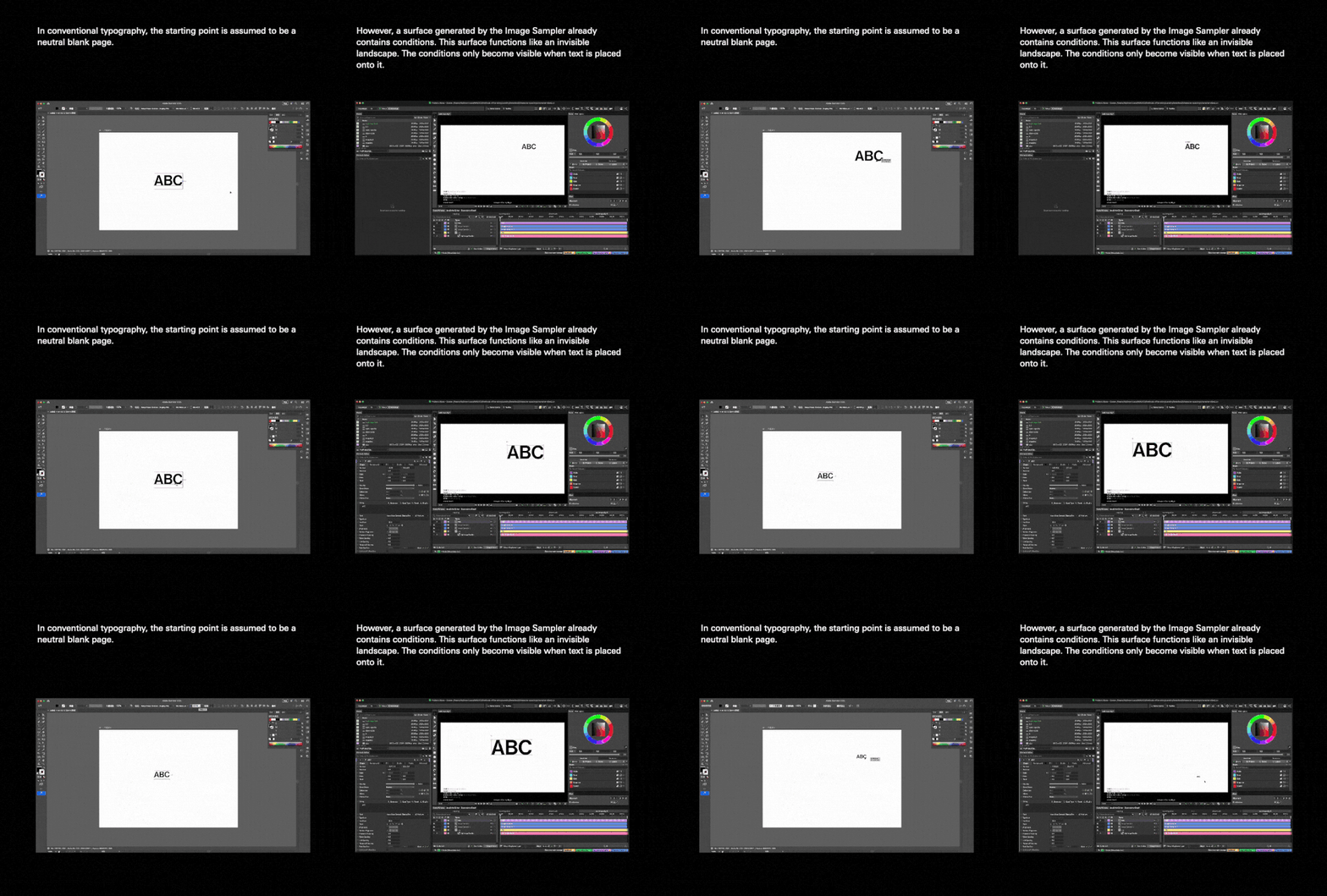
Normally, design focuses on adjusting layout until the text becomes readable. In this project, I stop adjusting the layout and move all design decisions to the rule-setting stage. Once the rules are defined, background data controls position, scale, and visibility. Reading is no longer guaranteed—it becomes a conditional outcome.
The reason that I need to define how to read first is because if I don’t define how the text is meant to be read first, the conditions can’t be evaluated.
Subject (baseline)
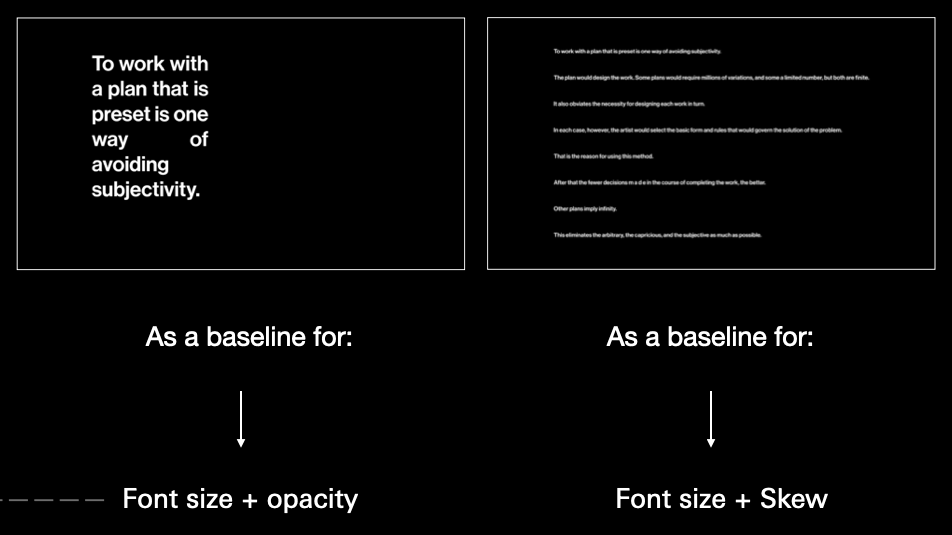
I chose Conditional Design Manifesto as my starting point. The text which is retrieved from online is regarded as a neutral linguistic material, not the content itself.
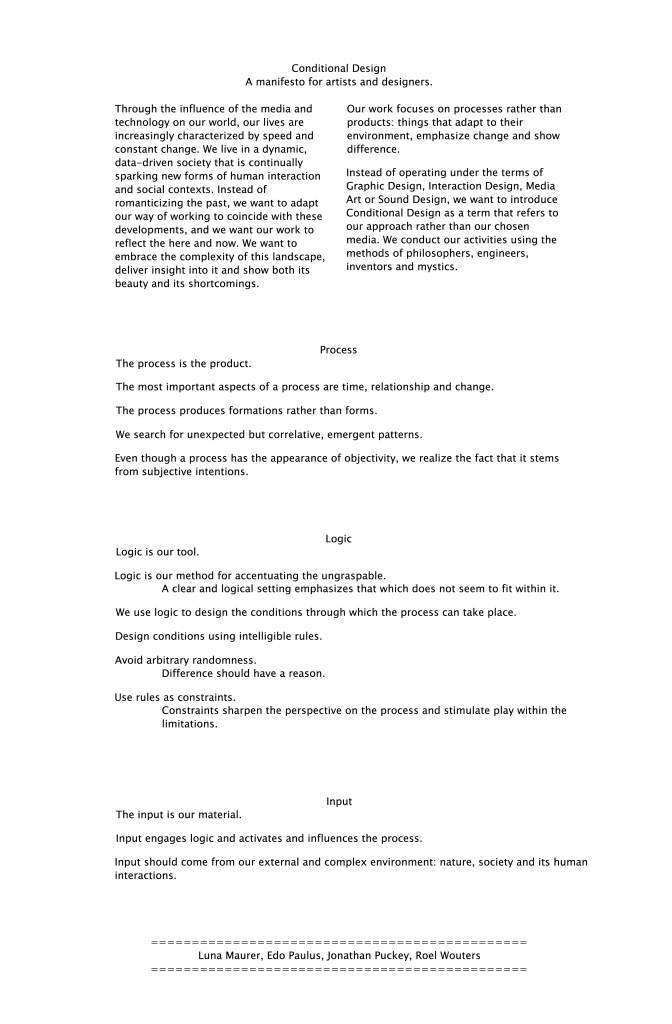
Roel Wouters, ‘Conditional Design Manifesto’,
Conditional Design Workbook, 2013
Data resource (site)
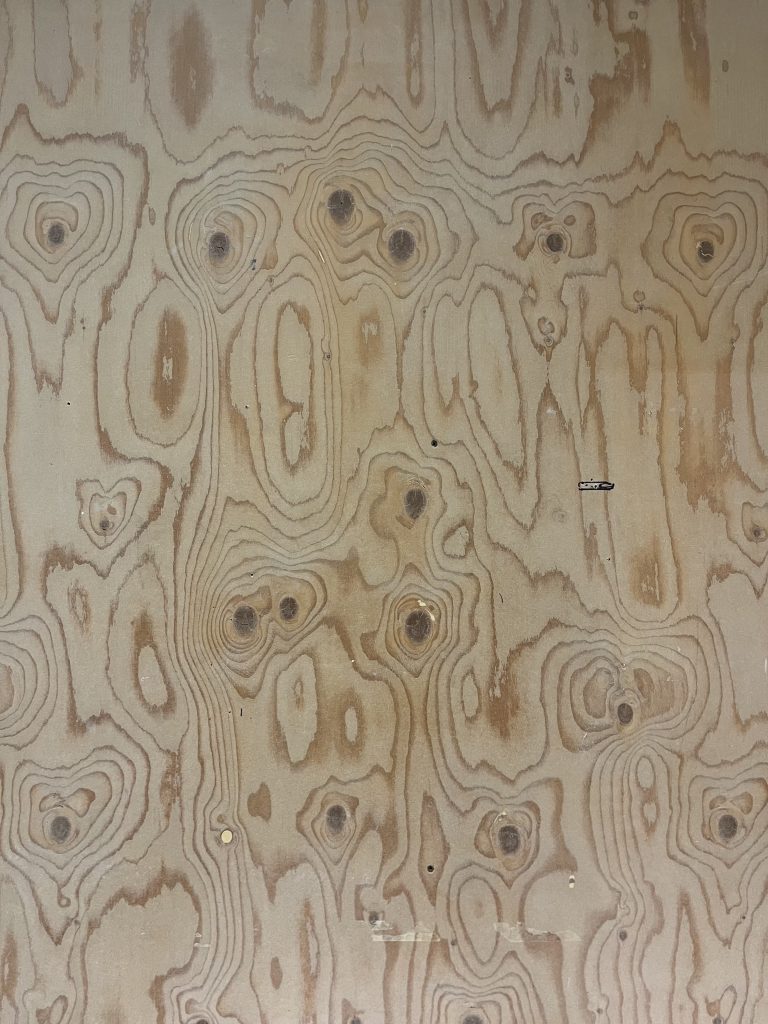
I chose this wooden surface as the base (background data) because I needed a physical site to ground the poster in reality.
The wood grain provides a wide range of background variations, allowing more possibilities when mapping parameters to the design.
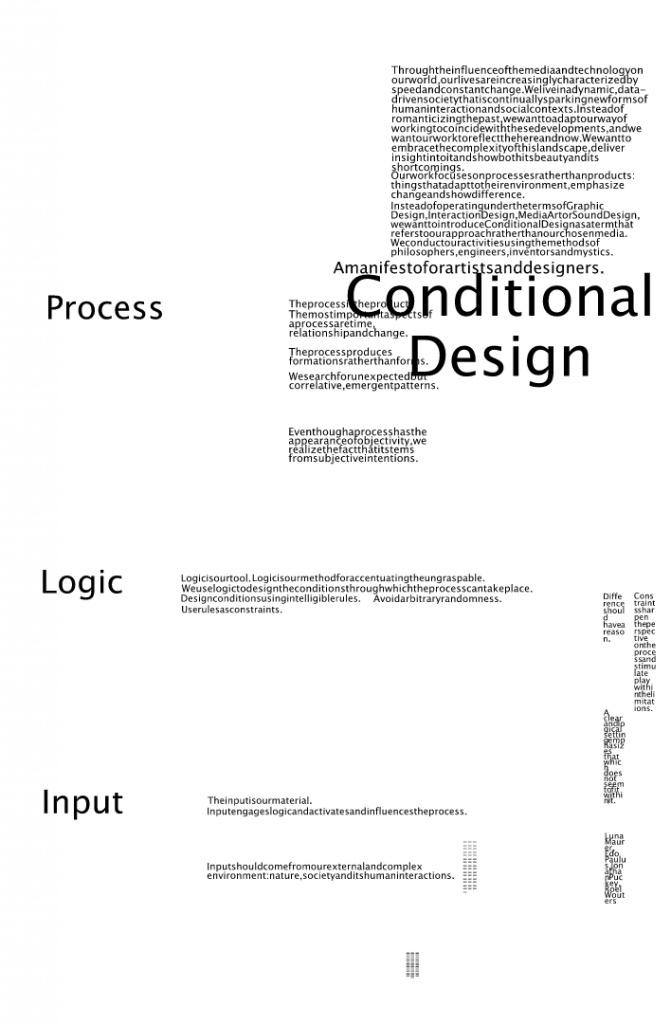
Final outcomes
Iteration1 : Declarative Reading
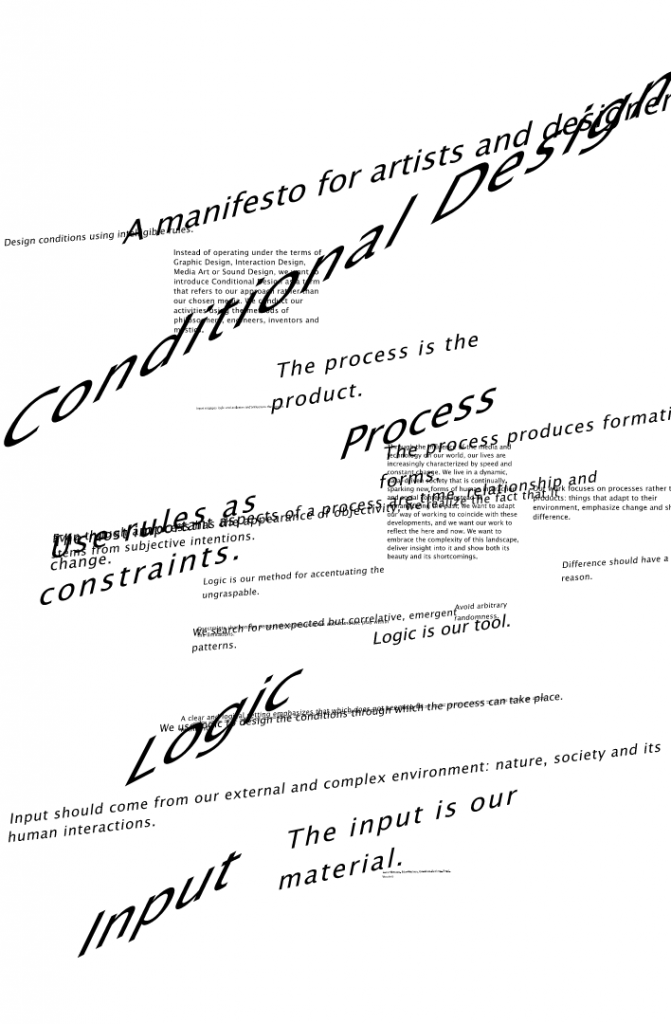
Iteration2 : Non-linguistic Reading
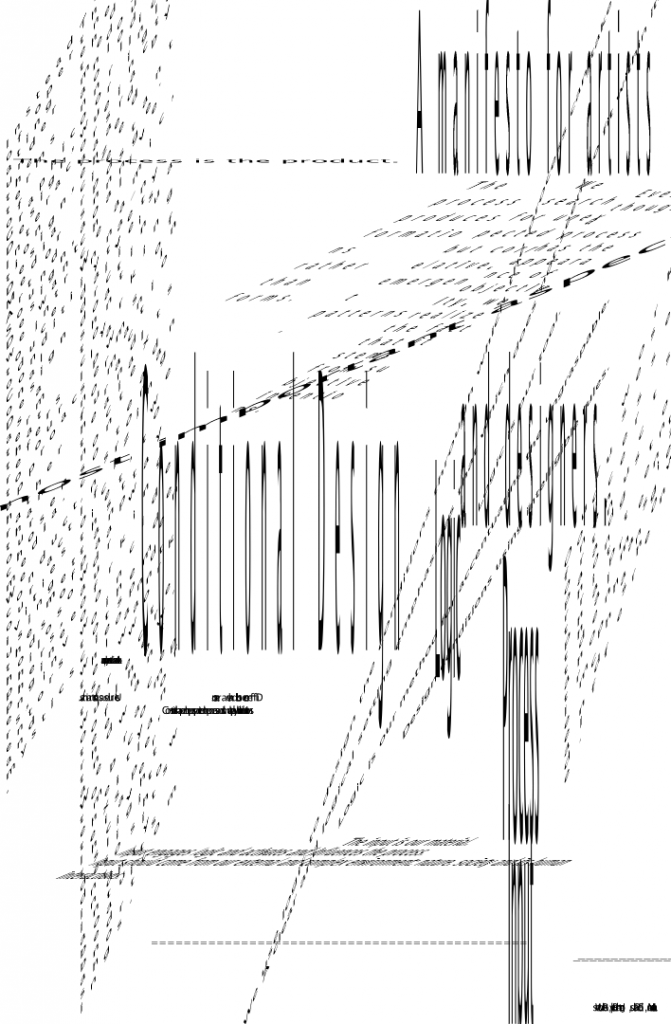
Iteration3 : Non-hierarchical Reading
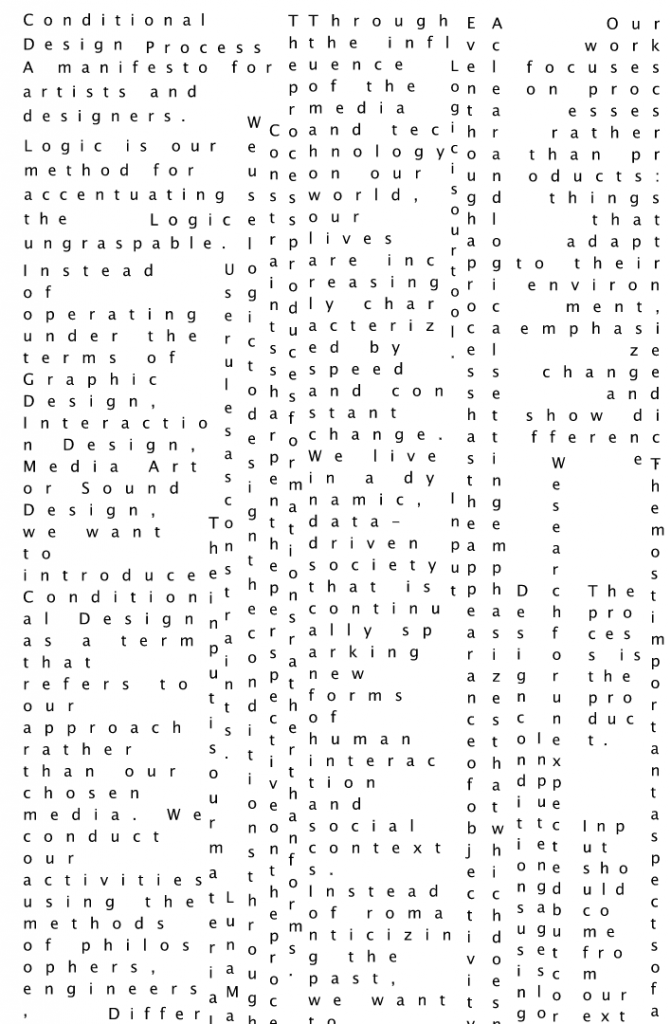
Iteration 4 : Indexical Reading
Transformation process
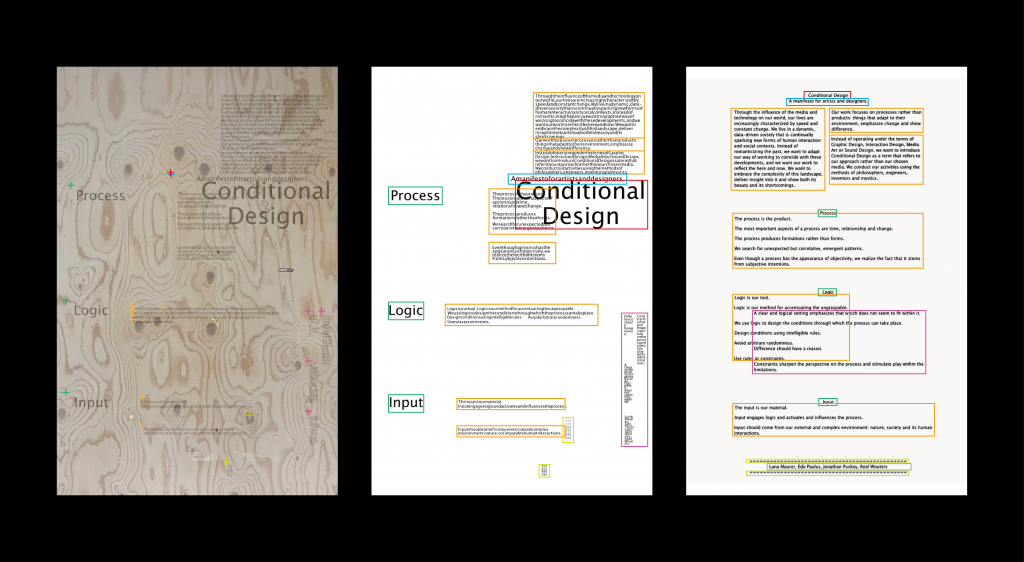
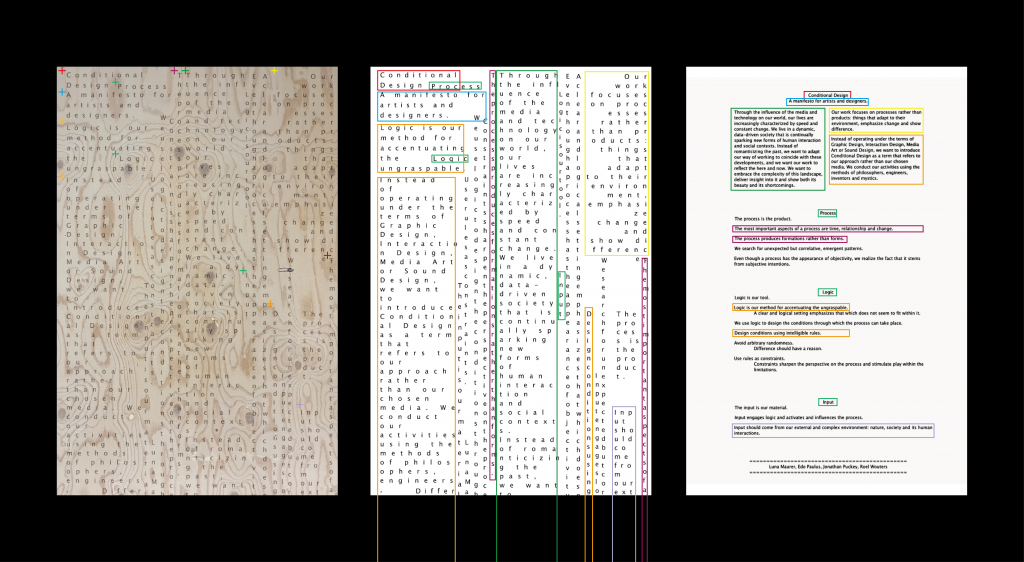
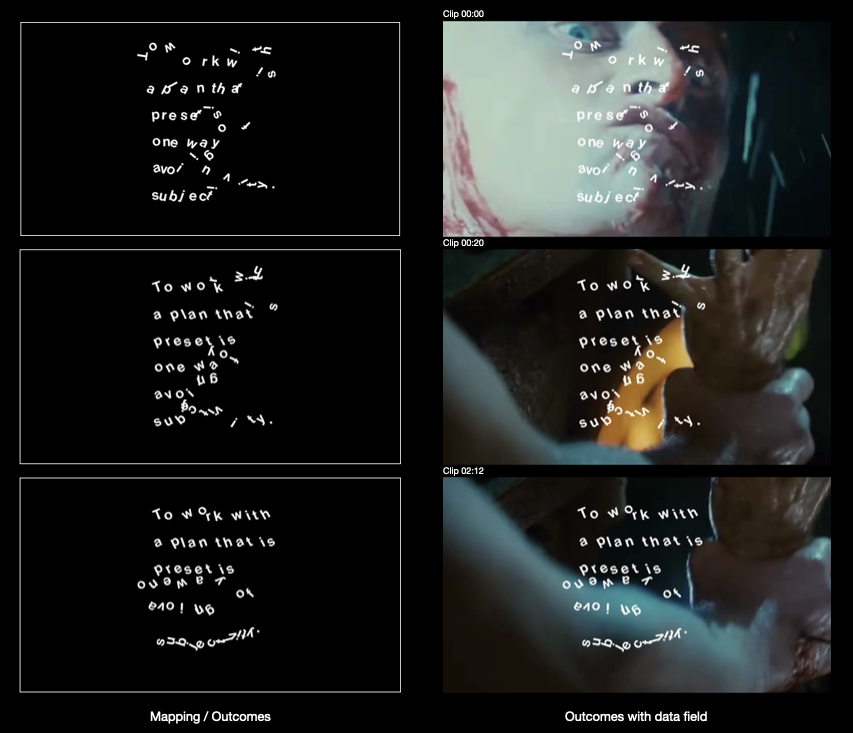
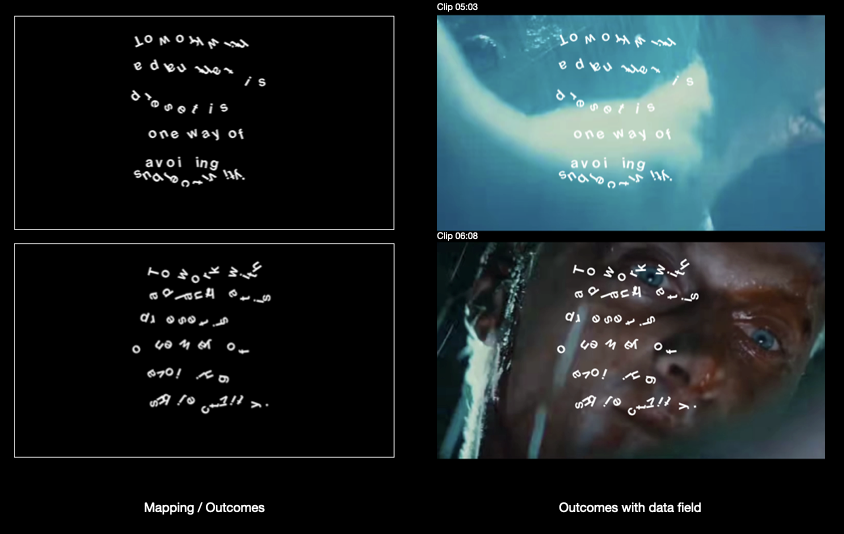
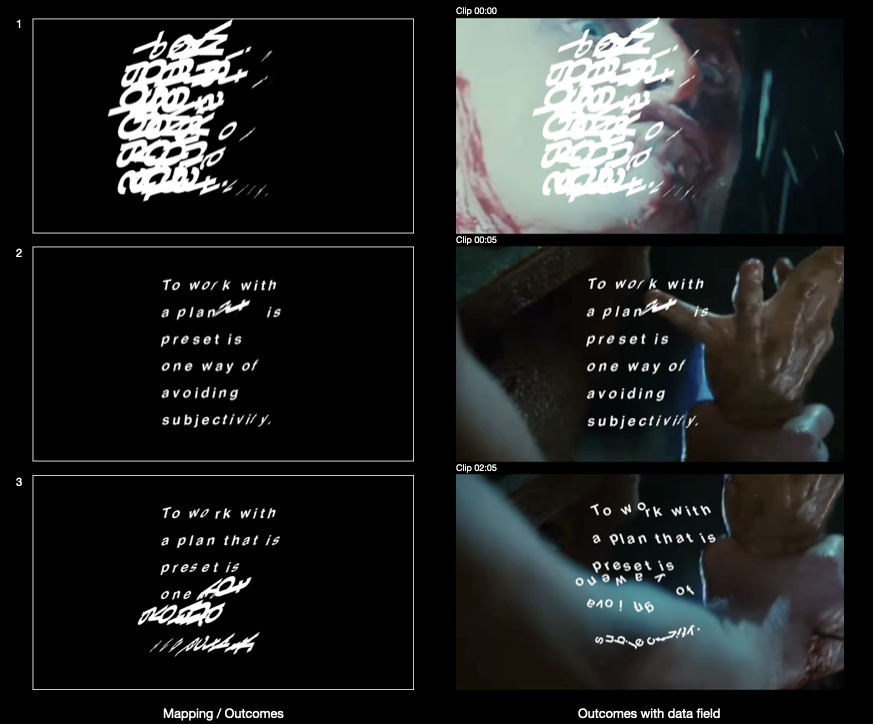
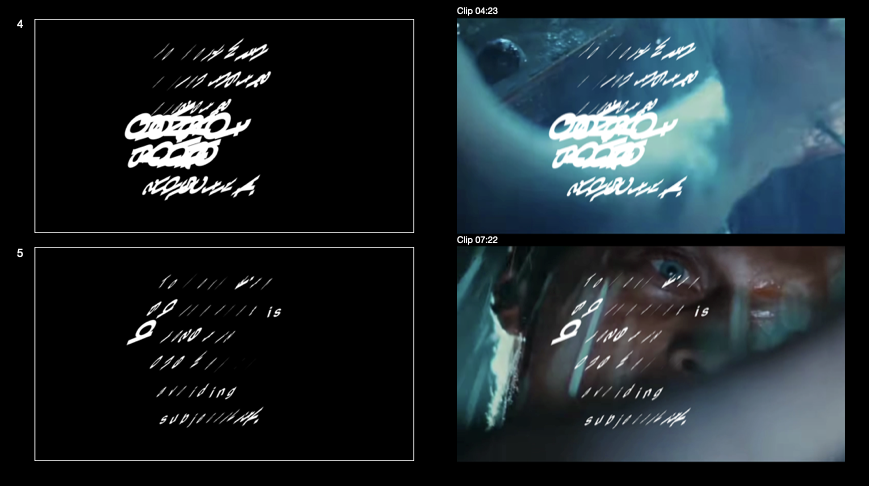
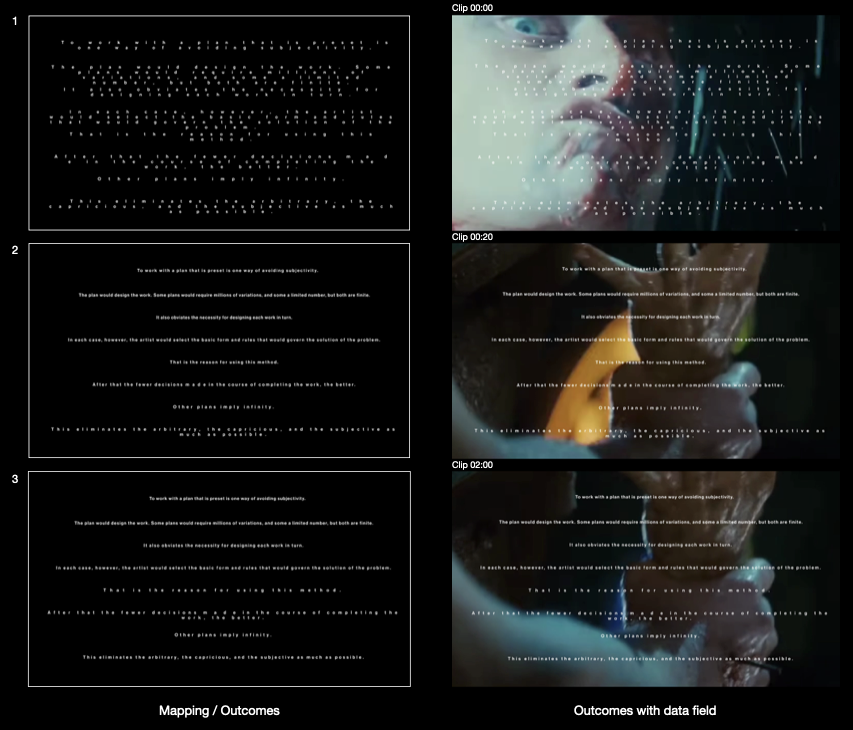
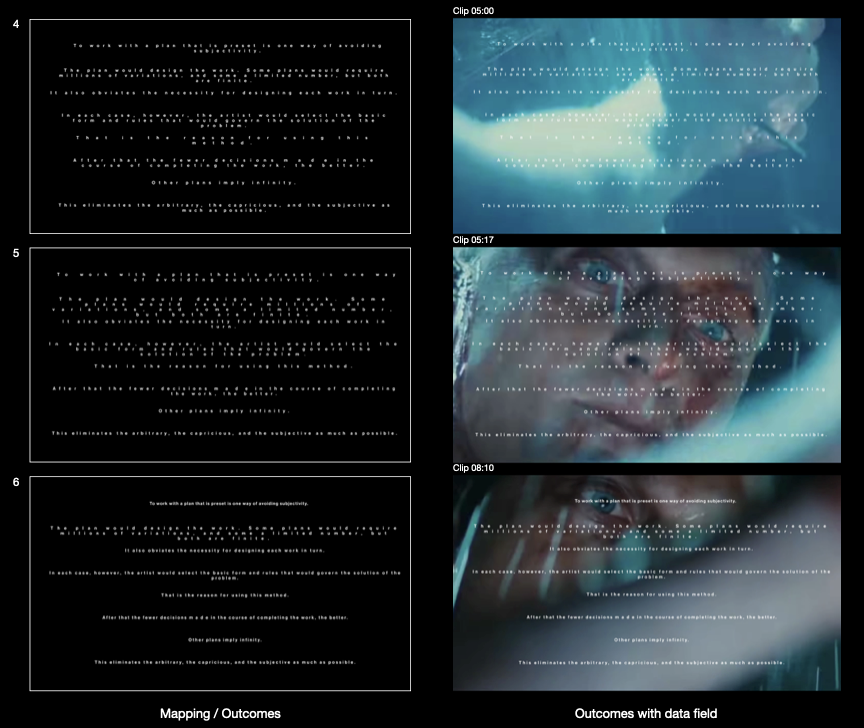
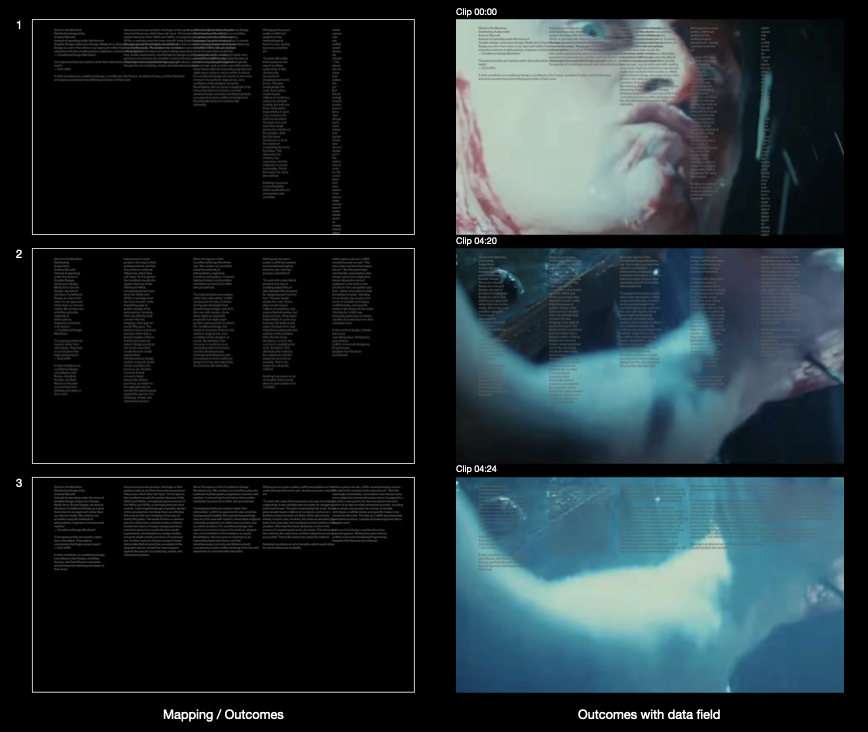
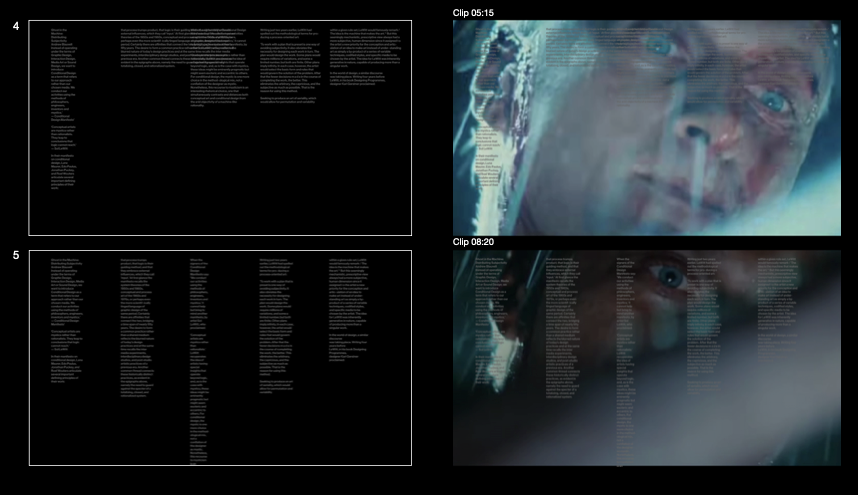
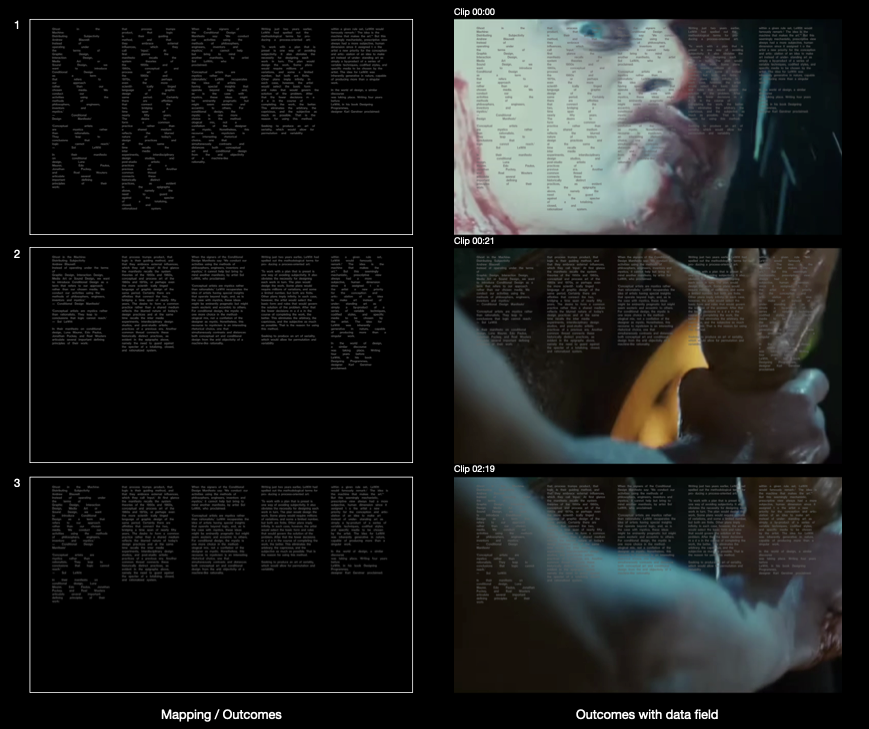
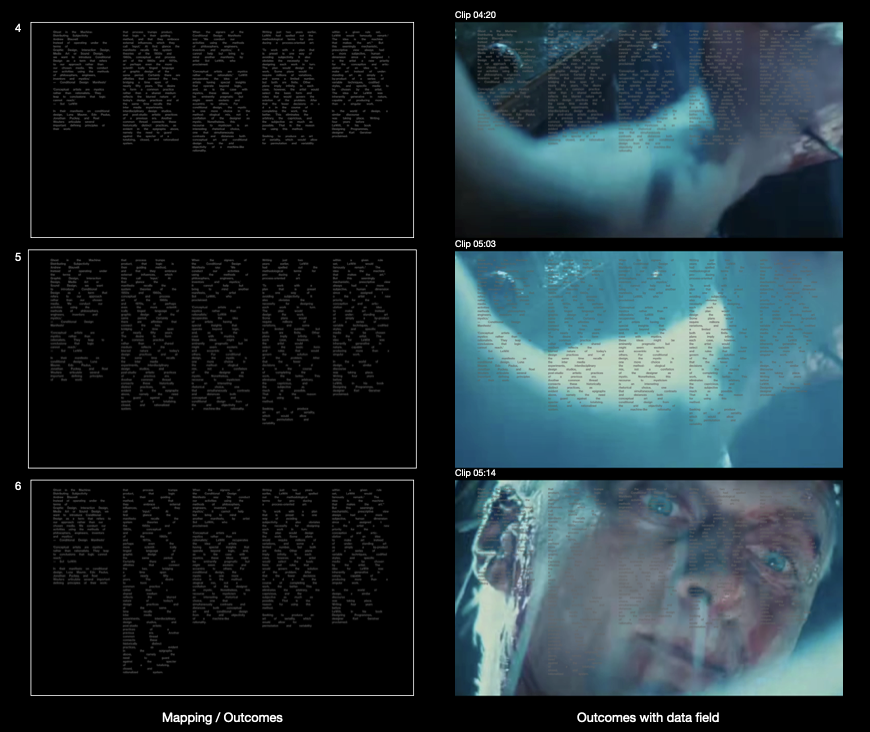
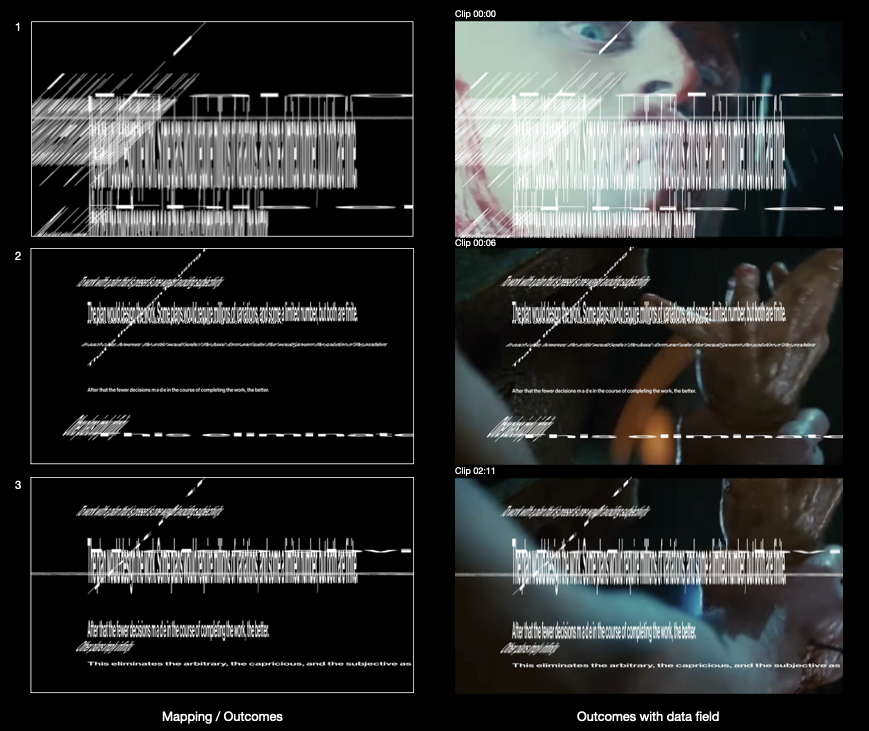
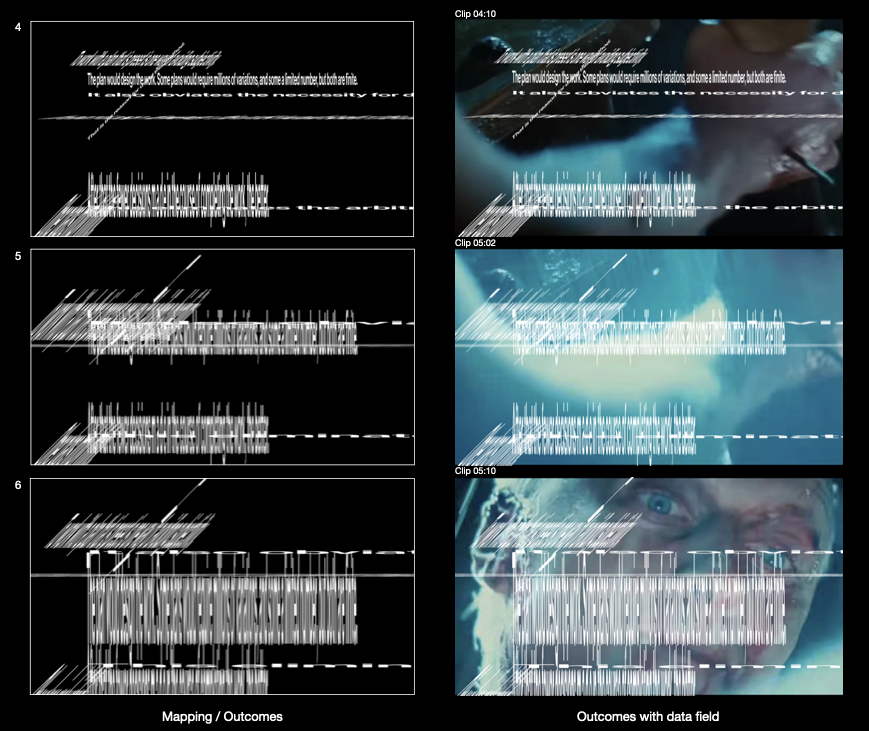
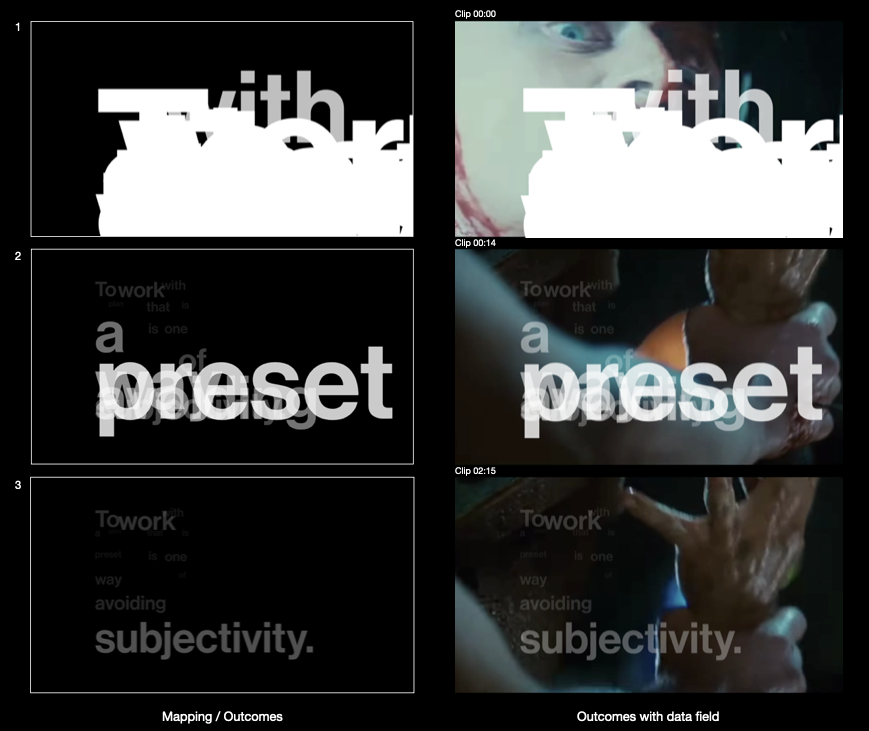
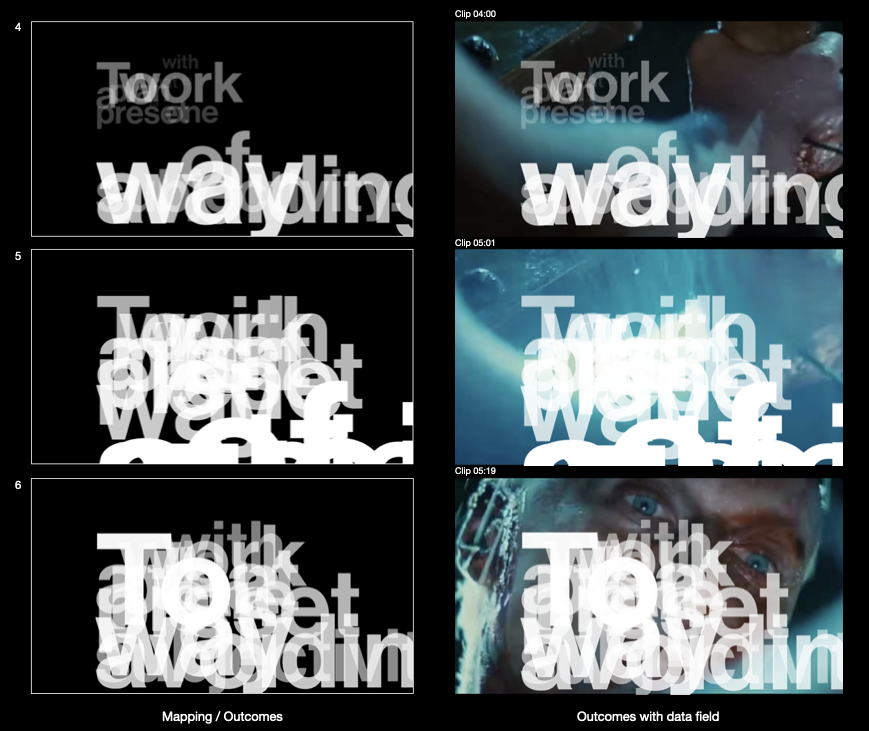
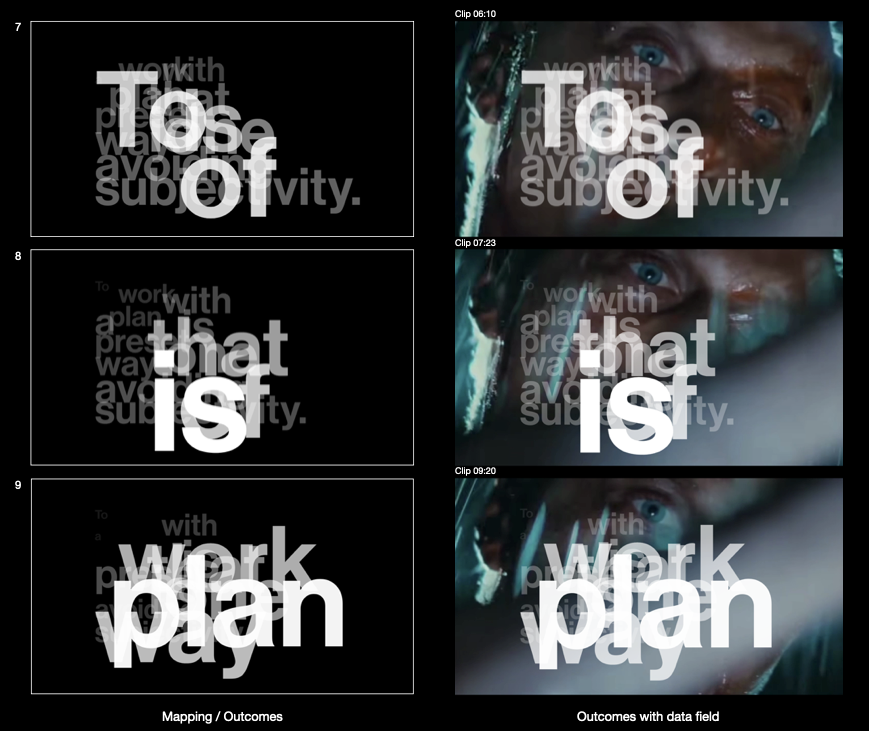
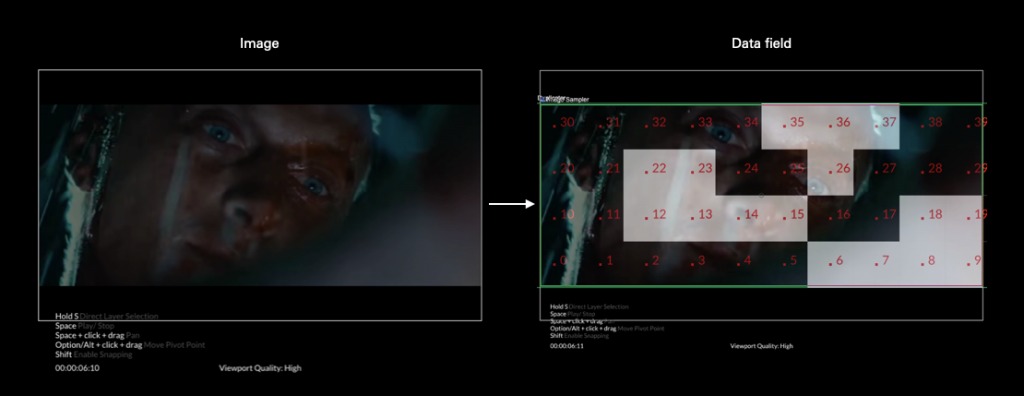
The image on the left shows how different text elements correspond to specific positions. The parameters of these positions are reflected in the applied conditions.